How to Manage Late Team Roster Changes After Uniform Approval
Short answer: Late team roster changes should be managed as controlled production changes, not casual message updates. First confirm whether the affected item is unreleased, already in production or already personalized. Then issue one numbered change request recording the new name, number, size, quantity, cost responsibility and delivery impact.
Use This Guide After the Master Roster Was Approved
This guide begins after approval, when a player withdraws, changes a number, selects another size or joins late. Before roster lock, use the team jersey roster checklist and our guide to mixed sizes, names and numbers.
1. Identify the Production Status
| Status | Action | Main risk |
|---|---|---|
| Not released | Replace the controlled roster before authorization | Wrong version enters production |
| Released but reversible | Confirm material and schedule impact | Delay or setup cost |
| Cut or personalized | Treat as remake, replacement or exception | Scrap and delivery split |
| Packed or shipped | Create a separate replacement plan | Freight and matching |
2. Submit One Formal Change Request
Do not send fragmented changes in multiple chat threads. Use one table showing the original row, requested row, reason, date and approver. Give the file a revision number and mark superseded files clearly. The supplier should acknowledge which revision controls production.
Required Fields
- Team, style and order reference.
- Player identifier and original approved details.
- New spelling, number, size, garment and quantity.
- Whether the old item is cancelled, reused or remade.
- Requested delivery date and partial-shipment decision.
- Buyer approver and supplier acknowledgment.
| Column | What to enter | Validation rule |
|---|---|---|
| Line ID | Unique row reference | Never duplicate |
| Player name | Exact spelling required on garment | Confirm case, spaces and accents |
| Player number | Front/back/sleeve number as applicable | Flag duplicates intentionally |
| Garment | Jersey, pants, shorts or jacket | Use approved style names |
| Size | Manufacturer’s approved size code | Separate youth and adult |
| Quantity | Units for that exact configuration | Must be a whole number |
| Notes | Captain mark or approved exception | Avoid informal instructions |
3. Separate the Change Types
Name or Number
Confirm spelling, capitalization, punctuation and number format. A digital proof verifies artwork, but production status determines whether the physical item can still change.
Size
A size change may require another blank, pattern or cut panel. Confirm the sizing system and whether the original item can be reassigned.
Late Player Addition
Check whether matching fabric, trim and decoration materials remain. One late unit may require a new setup and shipment, and shade may differ across material lots.
Player Removal
Removal does not automatically eliminate cost. If personalized work has started, the item may already be commercially committed.
4. Record Cost and Schedule Responsibility
The approval should state consequences before work resumes. Relevant factors include consumed material, decoration setup, remake labor, rush scheduling and extra freight. Do not rely on an unrecorded promise that a late change has no impact.
5. Re-Proof Only What Changed
Create a delta proof showing changed rows and final visual output. The approver should sign the revised roster version and change proof together, instead of comparing long email histories.
Quality Control After a Late Change
- Flag revised units in production and packing lists.
- Inspect spelling and number against the latest file.
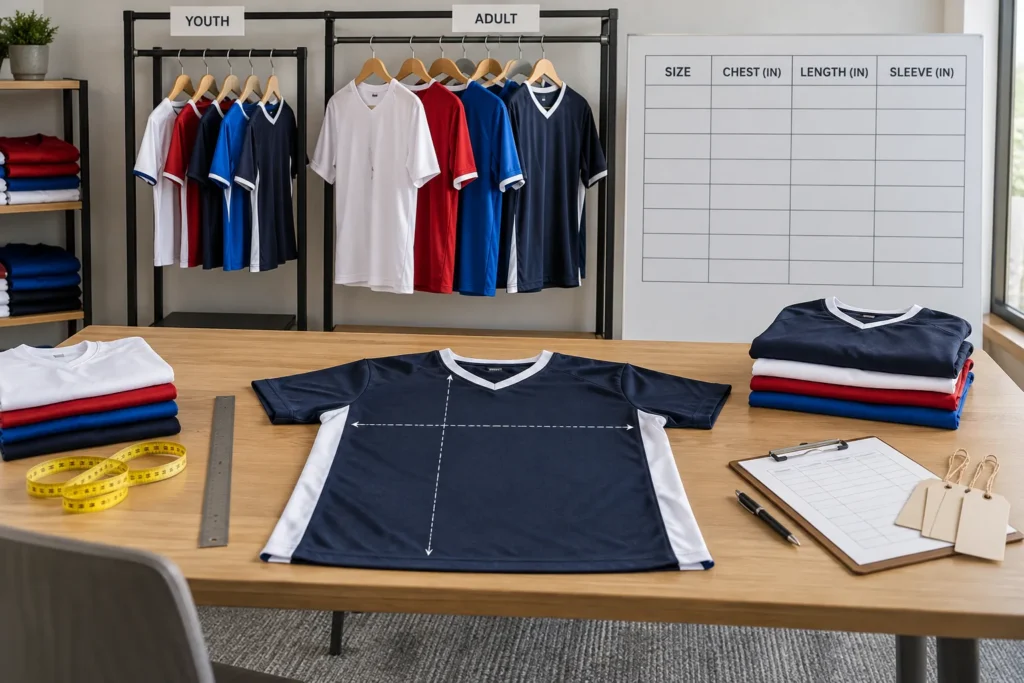
- Confirm replacement size labels and measurements.
- Check color and decoration consistency with the original batch.
- Reconcile player-level quantities before carton sealing.
- Mark separately shipped replacements for distribution.
Build a Practical Cutoff Policy
Define cutoffs by milestone: roster lock, artwork release, material cutting, personalization, packing and shipment. State what remains changeable at each milestone and who accepts remake or freight cost. This makes urgent decisions consistent.
Frequently Asked Questions
Can one jersey change after approval?
Possibly, but only after checking its production status. Editing a spreadsheet does not stop physical work.
Should the full roster be re-approved?
Keep the full roster version controlled, but highlight and re-approve the changed rows.
What if a player needs another size after delivery?
Treat it as a replacement. Confirm material availability, personalization, lead time and shipping.
Can a late addition ship separately?
Yes, when the buyer accepts added handling, freight and possible lot variation.
Send a Controlled Roster Change
Contact JIUMU with the approved roster version, highlighted change table, artwork and deadline. Feasibility must be confirmed against actual production status.