How to Order Mixed Sizes, Names and Numbers in Bulk
Personalized team orders become difficult when differences are recorded across emails, chats, screenshots and several spreadsheet versions. A player may need an Adult Large top, Adult Medium shorts, the display name “O’NEAL,” number 7 and a captain mark. One missing or outdated field can move from artwork into production unnoticed.
The solution is a controlled team jersey roster: one structured file that identifies every wearable item and becomes the single source of truth for quotation, artwork, production, quality control and packing. This guide explains how schools, leagues, clubs, dealers and sportswear brands can order mixed sizes, names and numbers in bulk without losing control of the data.
Quick Answer
Use one master roster with a unique version number and one row per player or uniform set. Record Player ID, legal or administrative name, exact display name, number, Youth/Adult range, fit, top size, bottom size and every special decoration in separate columns. Validate spelling, required fields, size codes and duplicate numbers before approval. Then export a locked final version, identify the approver and deadline, and require every later change to be submitted as a new revision. Never approve personalization through scattered emails or screenshots.
Why Personalized Team Orders Need More Control
A standard bulk apparel order may contain one design in several sizes. A personalized team order adds a second data layer: each garment can carry a different name, number, size combination or role mark. The base jersey may be identical, but the production identity of every piece is unique.
That creates several predictable risks:
- a nickname is used when the buyer intended a surname;
- a leading zero is removed from number 07;
- Youth XL is treated as Adult XL;
- the top size is copied into the shorts-size field;
- two players use the same number within a division that requires unique numbers;
- the captain mark appears on an old player after the captain changes;
- a late replacement is mentioned in a message but not added to the production file;
- finished jerseys are correct but packed against the wrong player list.
Most are data-control failures rather than sewing or printing failures. A production team can reproduce an approved file accurately and still deliver an unwanted result when the file itself is wrong. Buyer and supplier must therefore agree which document controls production.
The Master Roster Is the Single Source of Truth
The master roster should be the only file authorized for production. Supporting emails may explain a decision, but they should not become separate instructions. If a coach sends a size change by email, the change is not production-ready until it appears in a new roster version and is accepted by the supplier.
A practical filename includes the organization, team, season and version:
Northside-Wolves-Basketball-2027-Roster-V03.xlsx
Avoid filenames such as final.xlsx, final-new.xlsx and final-revised-2.xlsx. Those names describe the author’s intention, not the file’s position in a controlled sequence. Use V01, V02 and V03, and maintain a revision log inside the workbook or approval record.
The file header should state:
- project or quotation number;
- organization and team name;
- sport, season and division;
- uniform style and colorway;
- roster version and issue date;
- requested delivery date;
- buyer’s roster owner;
- supplier’s project owner;
- approval status: Draft, Under Review, Approved or Superseded.
Who Should Own the Roster?
Choose one person on the buyer’s side to consolidate changes. Coaches, players, parents, sales representatives and sponsors may provide information, but one roster owner should decide what enters the master file. The supplier should also nominate one project contact who receives and acknowledges each revision.
This prevents parallel approval, not collaboration. A protected Google Sheet or controlled Excel workbook can allow review while limiting who changes production fields. Google provides version history and protected ranges, while Excel supports data validation and drop-down lists. These tools reduce accidental edits but do not replace production approval.
Essential Fields for a Team Jersey Roster
The following structure works for jersey-only orders and can be extended to full uniform packages.
| Field | Purpose | Example | Validation rule |
|---|---|---|---|
| Line ID | Permanent row reference | 001 | Required; never reused |
| Player ID | Links the uniform to a player record | P-1047 | Required when available |
| Administrative Name | Internal identification | Jordan Lee | Not printed unless specified |
| Display Name | Exact text to print | LEE | Preserve punctuation and case |
| Number | Exact visible number | 07 | Store as text to retain zero |
| Team/Division | Defines duplicate-check scope | U16 Blue | Required for multi-team orders |
| Age Range | Selects size system | Youth | Youth or Adult only |
| Fit | Identifies pattern family | Women’s Athletic | Use approved options only |
| Top Size | Jersey size | Adult L | Required for tops |
| Bottom Size | Shorts or pants size | Adult M | Required when bottoms are ordered |
| Captain Mark | Role decoration | C | Yes/No or approved code |
| Sponsor Variant | Sponsor artwork group | SP-B | Use artwork reference, not description alone |
| Special Notes | Approved exception | Long sleeve | Do not use for standard fields |
| Packing Group | Sorting instruction | Team A / Player | Required for split delivery |
| Approval Status | Row readiness | Approved | Draft/Query/Approved |
Player ID and Line ID Are Not the Same
A Line ID identifies the roster row. A Player ID identifies the person. Keeping both is useful when one player orders a home jersey, an away jersey and a warm-up jacket. The same Player ID can appear on several rows, while each garment line retains a unique Line ID.
Do not use a name as the only identifier. Two players may share a surname, and a display name may change. Stable IDs make changes, QC and packing records easier to trace.
Administrative Name Versus Display Name
The administrative name answers “Who is this for?” The display name answers “What exact characters should appear on the garment?” They should be separate fields.
For example:
- Administrative Name: DeAndre O’Neal
- Display Name: O’NEAL
The production team should not decide whether to shorten, capitalize or remove punctuation. If no name should be printed, use NO NAME; do not leave an ambiguous blank.
Store Numbers as Text
Spreadsheet software may convert 07 to 7 or interpret other entries unexpectedly. Set the number column to text before importing data. Establish whether the accepted range is 0–99, 00–99 or another competition-specific system. If the front and back numbers differ in size but not value, record the value once and control the dimensions in the artwork specification.
Can Every Jersey Have Different Details?
Yes, many custom teamwear processes can support different names, numbers and sizes within the same order. Sublimation is especially suitable for variable printed graphics because the personalization can be included in each artwork file. Heat-applied names and numbers can also vary by garment. Embroidery may support individual names, but stitch files, setup, placement and production time need to be reviewed.
“Can be different” does not mean “has no effect on the order.” The supplier still needs to verify:
- whether personalization is included in the quoted unit price;
- whether every variation uses the same base style, fabric and colorway;
- whether special marks require separate artwork or setup;
- whether small sizes need adjusted name and number dimensions;
- whether extra units, replacements or one-off additions can join the same production batch;
- how personalized pieces will be inspected and packed.
The roster identifies variable data; approved artwork controls typography, placement, dimensions, outline and color.
Does Personalization Affect MOQ?
Personalization and minimum order quantity are related but different. A supplier may accept 50 total jerseys in one base design while allowing every piece to carry a different name and number. However, the MOQ may still apply to the garment style, fabric, colorway, cut, trim package or production method.
| Order situation | Likely planning effect | What to confirm |
|---|---|---|
| Same design, mixed names and numbers | Usually managed as variable data | Included personalization method and price |
| Same design, mixed sizes | Normal size breakdown | Available size range and grading |
| Different team colorways | May create separate production groups | MOQ by colorway and fabric lot |
| Different logos or sponsors | Additional artwork and setup | Variant count and approval method |
| One late replacement | May require separate setup or later batch | Surcharge, minimum and delivery impact |
| Tops and bottoms in different quantities | Can change package and MOQ calculation | MOQ by item, not only by set |
JIUMU’s typical MOQ is 50 pieces, subject to product structure and customization. Buyers should send the complete size and personalization breakdown for confirmation rather than assuming that 50 highly different products will always be treated as one production group. For broader planning, review the MOQ & Lead Time guide before setting the roster deadline.
Record Youth, Adult and Fit as Separate Fields
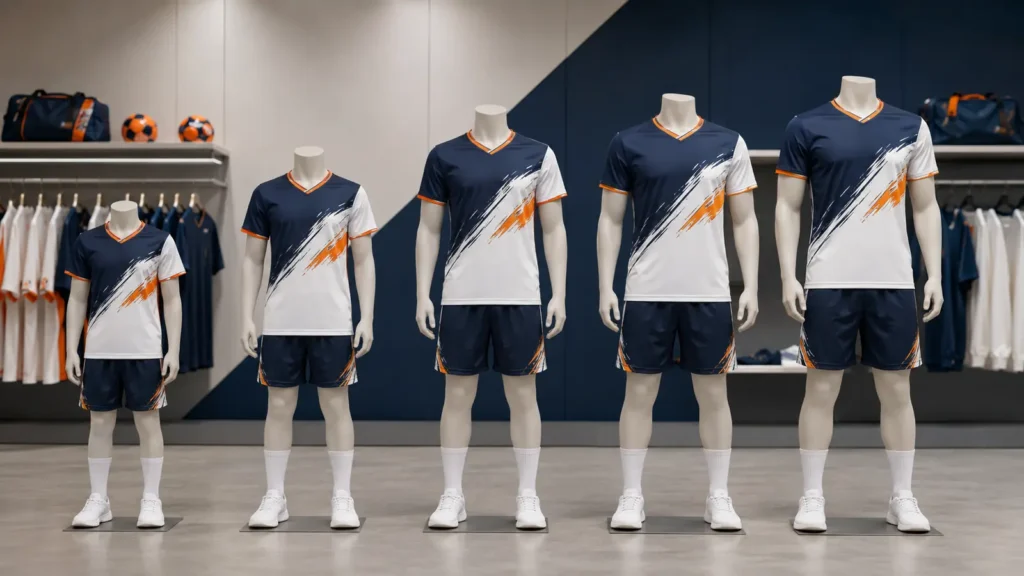
Size letters are incomplete without their size system. M could mean Youth Medium, Adult Unisex Medium or Women’s Athletic Medium. These garments are not interchangeable.
Use three fields:
- Age Range: Youth or Adult
- Fit: Unisex, Men’s, Women’s, Athletic, Relaxed or another approved pattern name
- Size: XS, S, M, L, XL and so on
Use a combined display such as Youth / Unisex / L. Available terms must match the supplier’s approved size chart.
Can Top and Bottom Sizes Differ?
Yes. A player may need an Adult Large jersey and Adult Medium shorts. Baseball players may also choose different jersey and pants sizes. Record top and bottom sizes in separate columns and keep them separate through production and packing.
If sold as sets, define the pairing rule. Production quantities can be summarized separately while each set is packed by Player ID.
For jersey-only lines, use N/A in the bottom-size field rather than leaving it empty. This distinguishes “not ordered” from “information missing.”
Control Special Marks, Sponsors and Exceptions
Personalization can extend beyond names and numbers. A roster may need captain letters, goalkeeper marks, graduation-year patches, league badges, sponsor variants, sleeve flags or memorial details.
Do not put all of these in one free-text note. Create separate columns for recurring attributes. Use a controlled code and connect it to approved artwork:
| Roster field | Roster value | Artwork reference |
|---|---|---|
| Captain Mark | C | ART-CAPTAIN-V02 |
| Sponsor Variant | SP-A | ART-SPONSOR-A-V03 |
| Sleeve Badge | LEAGUE-2027 | ART-SLEEVE-01 |
| Goalkeeper Style | GK-GREEN | CW-GK-GREEN-V01 |
Reserve Special Notes for genuine exceptions. “Same as last year” is insufficient unless the prior specification is identified by project and version.
Validate the Roster Before Sending It
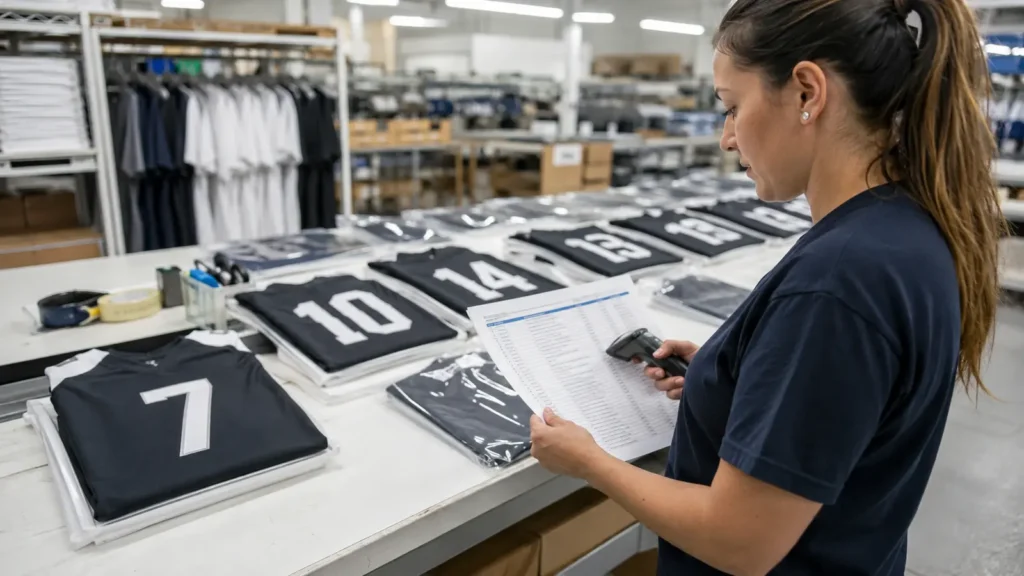
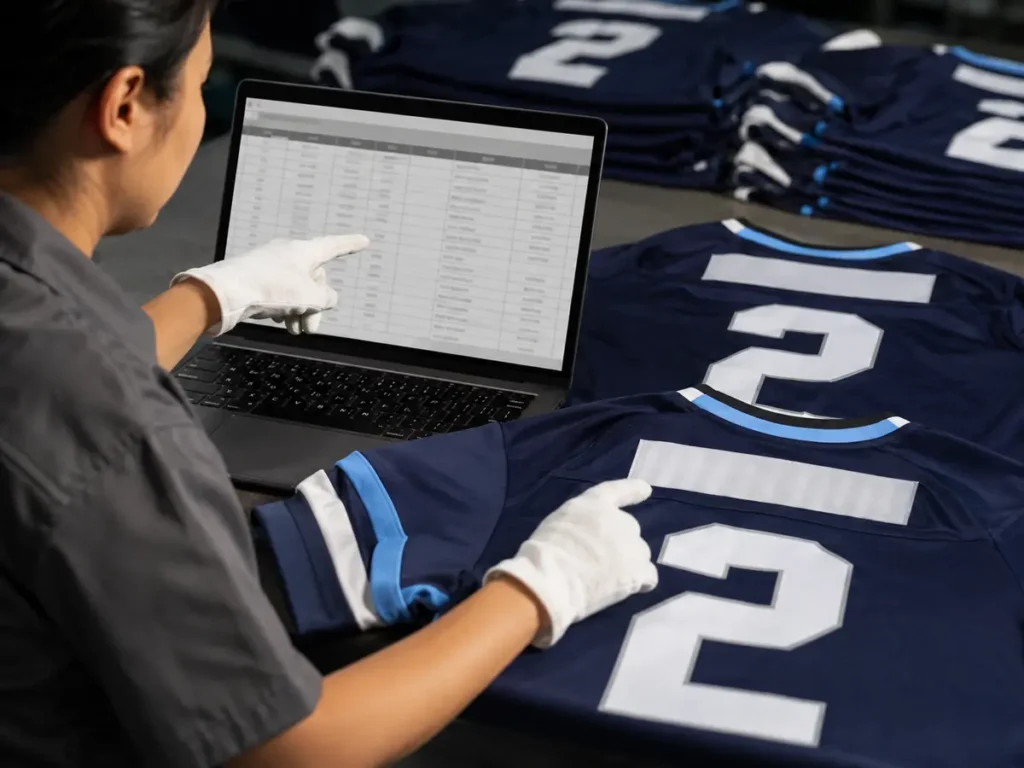
A reliable roster has two review levels: automated checks and human confirmation. Spreadsheet controls can flag missing or unusual data; only the team can confirm whether a player’s spelling, size and number are truly correct.
Automated Validation Rules
Use drop-down lists for fields such as Age Range, Fit, Size, Captain Mark, Team and Approval Status. Restrict number fields to the agreed format, but store them as text when leading zeros are allowed. Conditional formatting can highlight blanks, invalid values or duplicate combinations.
Excel data validation can restrict entries and create lists; Google Sheets supports protected ranges and version history. The exported final roster still needs a visible version number and approval.
Recommended automated checks include:
- Line ID is unique and present;
- Player ID is present where required;
- Display Name is not blank unless
NO NAMEis selected; - Number matches the accepted format;
- Age Range, Fit and Size form a valid combination;
- Top Size is present for every top;
- Bottom Size is present or explicitly
N/A; - artwork codes exist in the approved artwork list;
- packing group is present for split shipments;
- no production row remains in Draft or Query status.
Duplicate Numbers Need a Defined Scope
A duplicate number is not automatically an error. The same order may include Team A and Team B, youth and adult divisions, or home and away garments for the same player. Duplicate checks should use the correct combination of fields.
Examples:
- Flag duplicate
Team + Division + Numberwhen every player in that group must be unique. - Allow the same
Player ID + Numberacross home and away jerseys. - Allow the same number in different teams unless the buyer’s league rule says otherwise.
- Flag two different Player IDs using one number in the same controlled group for human review.
The roster should contain a Duplicate Approved field when an intentional duplicate is allowed. This prevents the same warning from being rediscovered during every review.
Human Proofreading Is Still Required
Ask each player, guardian or authorized team representative to verify the display name, number and sizes. Then ask the roster owner to perform a final whole-team review.
A useful method is to read data in two directions:
- Player-to-roster: confirm every expected player appears.
- Roster-to-player: confirm every roster row belongs to a real order requirement.
This catches missing players and unwanted rows. Review punctuation, spaces, hyphens, apostrophes, accents and capitalization. Resolve unsupported characters during artwork approval.
Scale Names and Numbers Across the Size Range
A design that looks balanced on Adult XL may overwhelm Youth XS. Conversely, a very small youth number may look weak on Adult 3XL. Buyers should not assume that every size uses identical decoration dimensions.
Agree on a scaling policy before approving the roster. Common approaches include:
- one decoration size for all garments when the size range is narrow;
- youth and adult decoration groups;
- small, standard and extended-size artwork groups;
- proportional placement rules based on panel boundaries;
- manual review for very long names or unusual characters.
The roster can contain an Artwork Size Group such as YOUTH, ADULT or EXTENDED, while the artwork defines actual dimensions. Long names may need condensed type, reduced height or a maximum-width rule. Never shorten a name without approval.
Set a Change Deadline Before Production Approval
Roster deadlines should be earlier than the required ship date and should allow time for data review, artwork generation, buyer approval and production planning. The exact date depends on the product and project schedule, so the supplier should confirm it in the quotation or order timeline.
Use at least three milestones:
- Roster submission deadline: buyer sends the complete draft.
- Correction deadline: questions and validation errors are resolved.
- Production lock: buyer approves the final roster and associated artwork.
Do not lock a roster with unresolved fields. Separate an undecided line from the approved quantity or delay approval knowingly.
Planning a mixed personalized order? Send JIUMU the uniform style, quantity, colorway, size chart, roster draft, logo files and required delivery date. We can review the structure before the production file is locked. Explore Custom Team Jerseys or contact the team for a project-specific quotation.
How Final Approval Should Work
The final approval package should connect three things:
- the roster version;
- the approved design or artwork version;
- the commercial order or purchase order.
Approval should identify the person, organization, date and status. A practical statement is:
“I approve Roster V04 and Artwork Set V03 for production. Names, numbers, age ranges, fits, top sizes, bottom sizes, special marks and quantities have been checked. I understand that later changes require supplier review and may affect cost or delivery.”
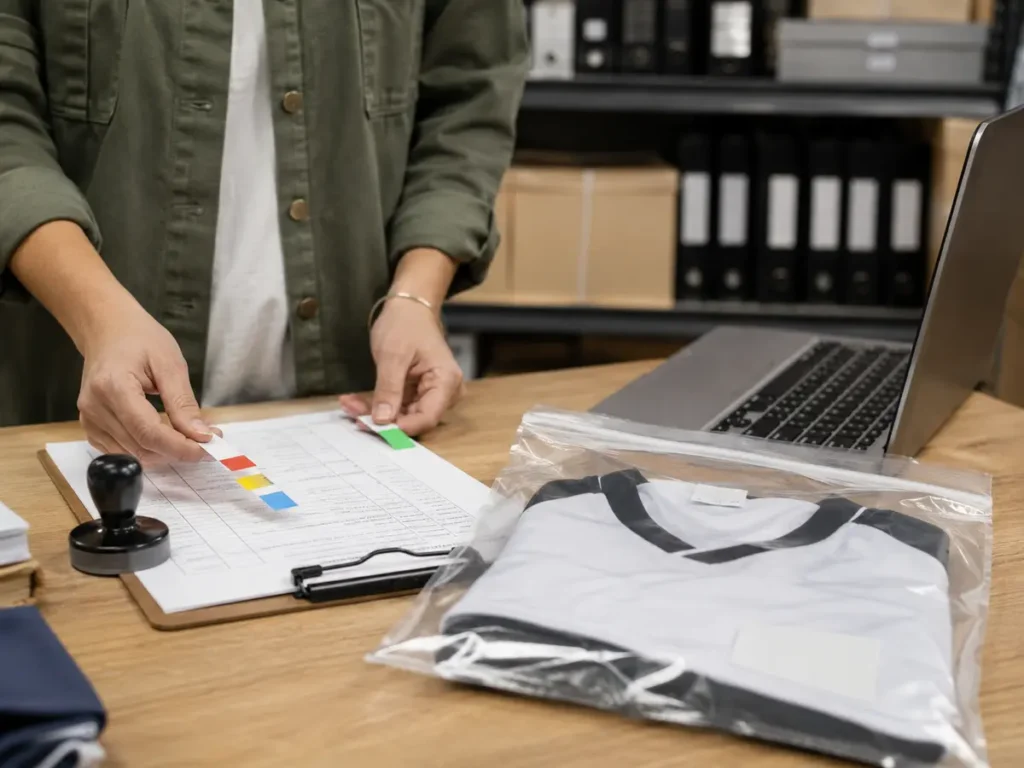
The supplier should acknowledge receipt and return a locked copy, preferably a non-editable PDF plus the controlled spreadsheet. The spreadsheet supports processing; the PDF is a stable approval record.
Recommended Approval States
| Status | Meaning | Production use |
|---|---|---|
| Draft | Buyer is collecting data | Not permitted |
| Under Review | Supplier or buyer is checking fields | Not permitted |
| Query | A specific row needs clarification | Not permitted for that row |
| Approved | Buyer has signed the stated version | Permitted after supplier acknowledgment |
| Superseded | A newer accepted version exists | Never use |
| Change Pending | Post-approval request is being assessed | Original approval remains controlling until accepted |
What If a Player Changes After Approval?
Do not edit the approved file silently. Submit a change request that identifies:
- project number;
- approved roster version;
- affected Line ID and Player ID;
- old value;
- requested new value;
- reason for change;
- request date and requested delivery effect;
- person authorizing the request.
The supplier should check the production stage before accepting the change. Possible outcomes include:
- change accepted with no production impact;
- change accepted with an additional fee;
- change accepted with a revised delivery date;
- replacement unit added as a separate production line;
- change declined because the affected item is already printed, cut, sewn or packed.
If accepted, issue a new roster version or a controlled change order that clearly overrides the original line. Never rely on a chat message saying “change player 12 to player 18.” That instruction lacks enough context to protect either party.
Late sublimation changes are sensitive because personalization may already be embedded in printed panels. With heat transfer, a blank garment may exist but applied decoration can be irreversible. Ask whether the affected operation has started.
Convert the Roster Into Production and QC Records
Once approved, the master roster can generate several controlled views without retyping data:
- size summary for cutting and sewing;
- personalization list for printing, transfer or embroidery;
- artwork-variant list for special marks;
- QC checklist by Line ID;
- packing list by player, team or delivery location;
- shortage and replacement report.
Retyping creates risk. Use filters, exports or linked tables so each department receives only the fields it needs while retaining the same Line ID.
Personalized Jersey QC Checklist
For every line, verify:
- correct garment style and colorway;
- correct Youth/Adult range, fit and size;
- correct display name, including punctuation and capitalization;
- correct number and leading zeros;
- correct front, back and sleeve placement;
- correct captain, sponsor or special mark;
- decoration dimensions appropriate to the artwork size group;
- visible printing, transfer, embroidery and sewing quality;
- correct matching bottom where a set is ordered;
- correct individual bag or packing group.
Record the Line ID, result and disposition. Photos can support exceptions or first-piece confirmation but should not replace the inspection record.
Pack and Distribute by the Same Roster Logic
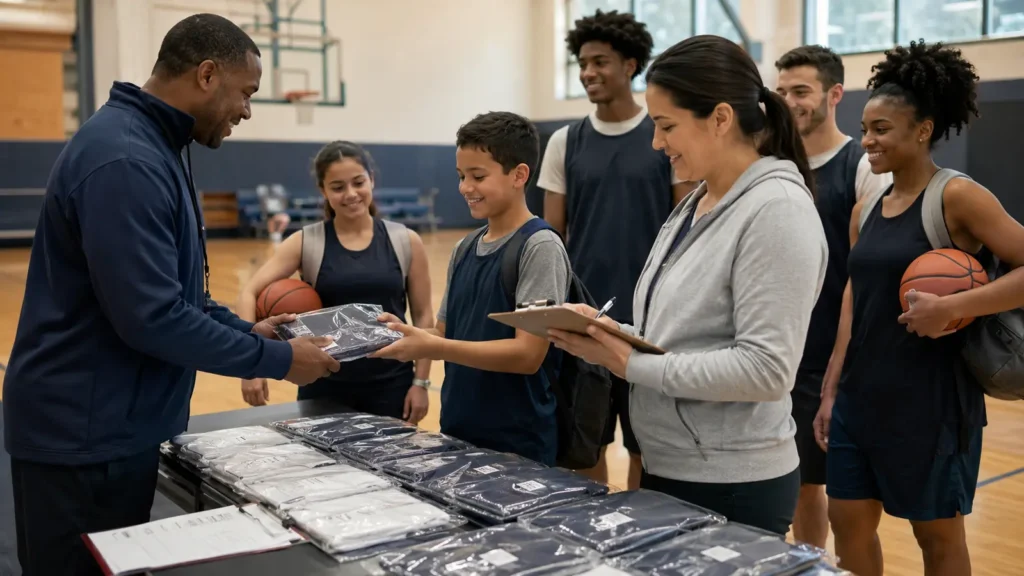
Correct production can still become a difficult delivery if mixed uniforms are packed only by size. For personalized team orders, packing by Player ID or Line ID usually makes distribution easier.
Decide whether the order needs:
- one uniform set per bag;
- home and away jerseys together;
- top and bottom paired for each player;
- team- or division-level cartons;
- coach, captain or goalkeeper groups;
- individual labels containing permitted identifiers;
- a carton-level roster summary.
Consider privacy on external packaging. A Player ID or distribution code may be more appropriate than a full name.
At receipt, the team administrator can check packages against the same roster and record shortages or discrepancies by Line ID. This closes the loop from buyer input to player distribution.
What Buyers Should Send for a Quotation
To quote a mixed personalized order accurately, provide:
- sport and garment type;
- estimated total quantity;
- number of teams or colorways;
- size range and intended fit;
- whether tops and bottoms are ordered as sets or separately;
- sample roster or expected personalization fields;
- logo and sponsor artwork files;
- name and number decoration method if specified;
- packaging and split-delivery requirements;
- destination country and postal code;
- target in-hand date.
The roster can be preliminary for quotation, but variant counts must be clear. Replace estimates with the approved locked file before production.
Questions to Ask a Teamwear Supplier
- Can every garment use a different name, number and size?
- Is personalization included in the price, and which method is used?
- Does MOQ apply by total, garment type, colorway or design?
- Which Youth, Adult and fit charts apply?
- Can top and bottom sizes differ within a set?
- How are long names and youth numbers scaled?
- Which roster format and columns are required?
- How are duplicates, blanks and invalid sizes flagged?
- What is the production-lock date?
- How are post-approval changes handled?
- Is the roster linked to QC and packing?
Common Roster Mistakes to Avoid
Sending Multiple “Final” Files
When two files claim to be final, neither is reliably final. Use numbered versions and a single approval channel.
Combining Several Values in One Cell
An entry such as Alex / 12 / Adult L / captain may look readable but is difficult to validate and export. Put every value in its own column.
Treating Blank as an Answer
A blank may mean no name, not ordered, unknown or accidentally omitted. Use controlled values such as NO NAME, N/A and PENDING while the roster is in draft. No PENDING value should remain at production lock.
Making Changes in Chat After Approval
Chat is useful for discussing a request; it is not a safe replacement for an updated controlled file and supplier acknowledgment.
Forgetting Packing Requirements
If personalized sets must be distributed player by player, define that before bulk packing begins.
How JIUMU Supports Mixed Personalized Orders
JIUMU supplies custom teamwear for B2B buyers including schools, teams, clubs, distributors, uniform dealers and private-label brands. Available customization capabilities include sublimation, embroidery, screen printing, heat transfer, custom labels and packaging. Digital mockups and physical samples can be used before bulk production, depending on the project.
Send the base uniform specification, design files, quantity, roster structure, sizes, packaging needs and delivery target. JIUMU can then confirm how product structure and variants affect MOQ, sampling and production. Buyers considering coordinated tops, bottoms and accessories can also review Custom Team Uniforms.
Frequently Asked Questions
Final Roster Approval Checklist
Before signing, confirm that:
- only one master roster is active;
- the filename and header show the correct version;
- every production row has a unique Line ID;
- display names were checked by an authorized person;
- numbers preserve intended leading zeros;
- duplicate numbers were reviewed within the correct team scope;
- Youth/Adult, fit and size combinations are valid;
- top and bottom sizes are recorded separately;
- special marks point to approved artwork versions;
- artwork scaling rules cover youth through extended sizes;
- packing groups and split deliveries are defined;
- no required field is blank or pending;
- the roster total matches the purchase order;
- the roster version matches the approved artwork set;
- the approver, date and production-lock statement are recorded.
A well-controlled roster does more than prevent spelling errors. It gives the buyer and supplier one traceable instruction from quotation through player distribution. When every variation has its own field, every revision has a number and every approval identifies the exact file, mixed-size personalized orders become manageable at scale.
Ready to prepare a bulk roster? Download the included CSV template, complete one row per player or garment line, and send it with your uniform design, quantity, logo files and target delivery date. Request a project review through Contact Us or explore JIUMU’s Custom Team Jerseys.